
Three prompt templates that re-skin any logo or object — plush, marble, crystal
ImaRead image prompt template library just shipped three re-skin templates — plush toy, marble sculpture, crystal emoji. Each solves a different physics problem. The prompt is not 'look like' — it is 'behave like'.
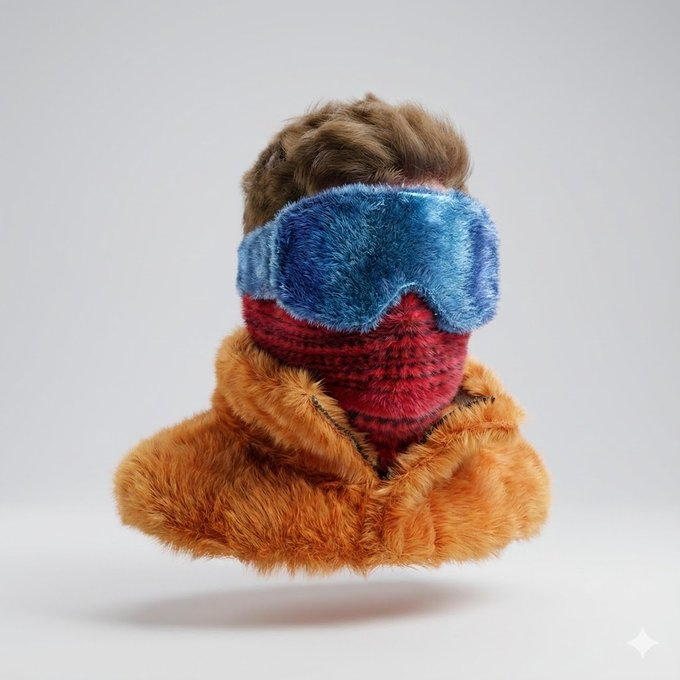
I just shipped three prompt templates into ImaRead's image prompt library that, on the surface, all do the same thing:
- fluffy-plush-toy — turn any logo into a fluffy plush version
- custom-marble-sculpture — turn anything into a polished marble statue
- crystal-texture-emoji — turn any object into a transparent crystal
Same input shape (one natural-language line, optional reference image), same backend model (Gemini 3 Pro Image). But the rendering mechanics are completely different. After building all three, the takeaway was uncomfortable: "re-skin" prompts are the most deceptive kind to write. There are two kinds of prompts — "looks like XX material" and "behaves like XX material" — and the output has nothing in common between them.
Here's what each template is actually solving.
1. fluffy-plush-toy — coverage is a result, not an action
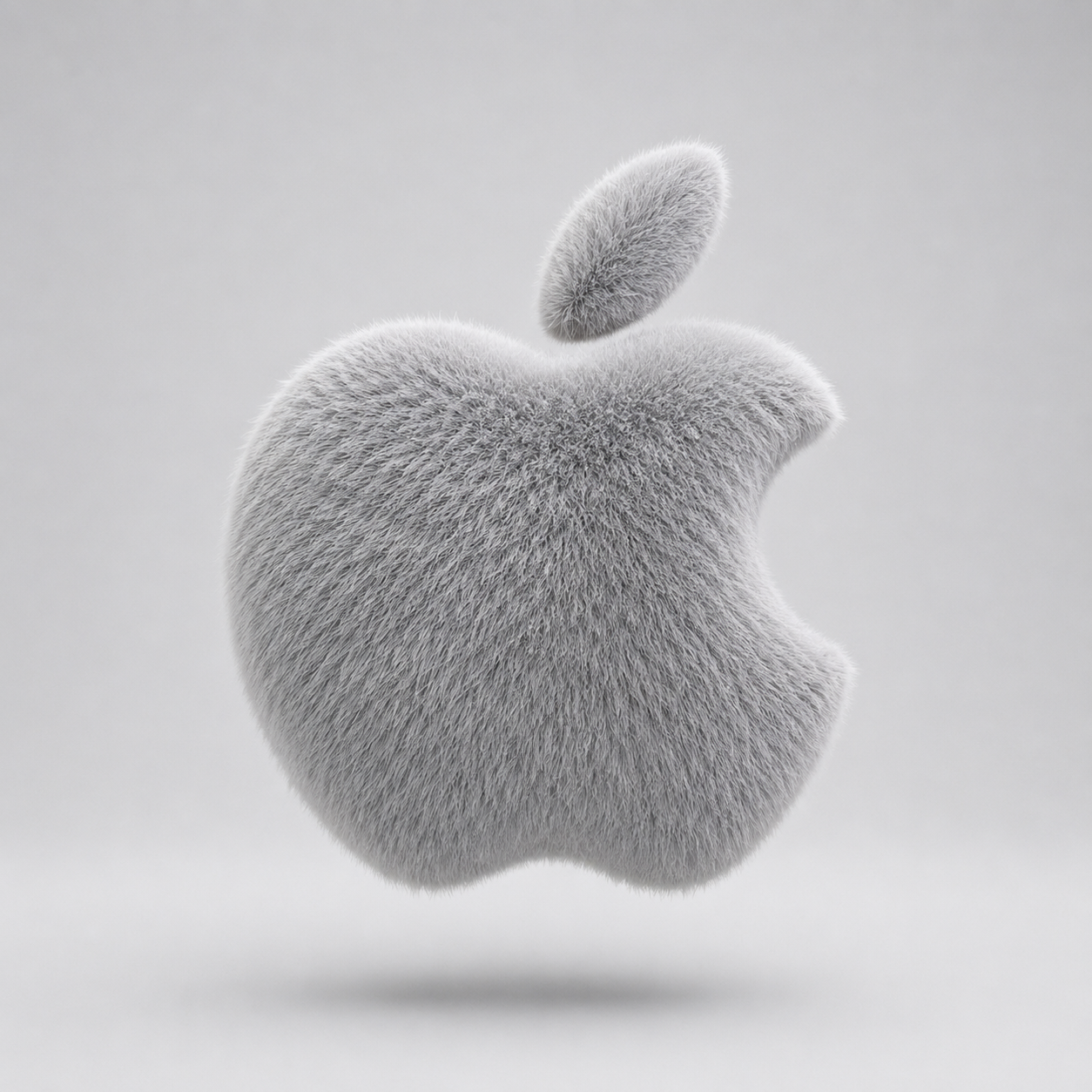
Template: fluffy-plush-toy. One line: the logo name. Model renders.
I never wrote "add fur." I wrote: let the fur redefine the shape.
The original logo is a flat vector. The crown spikes, the sole curve, the bite in the Apple — those geometric features don't vanish under the fur. They get reorganized by the hair flow: a crown spike becomes a tuft, a sole curve becomes a ring of puffs, the bite mark becomes a visible directional seam.
What I tested:
- Apple logo — cleanest output, simplest shape, clearest hair-flow reorganization
- Instagram icon — the gradient actually works surprisingly well in plush; color transitions get softened by the fur
- Starbucks siren — most detail (crown, twin tails, ring border), shows the template's range with complex shapes; brand fans share it
- Pure text logos (Coca-Cola / Google with thin strokes) get eaten by the fur. The strokes disappear
The quick test for "is this logo plush-friendly": does the icon have a strong, recognizable silhouette? The sharper the silhouette, the more the hair can reorganize around it — the result reads as "wrapped," not "covered with fur."
Direct link: www.ima-read.com/en/bycase?case=fluffy-plush-toy
2. custom-marble-sculpture — curvature is the whole game
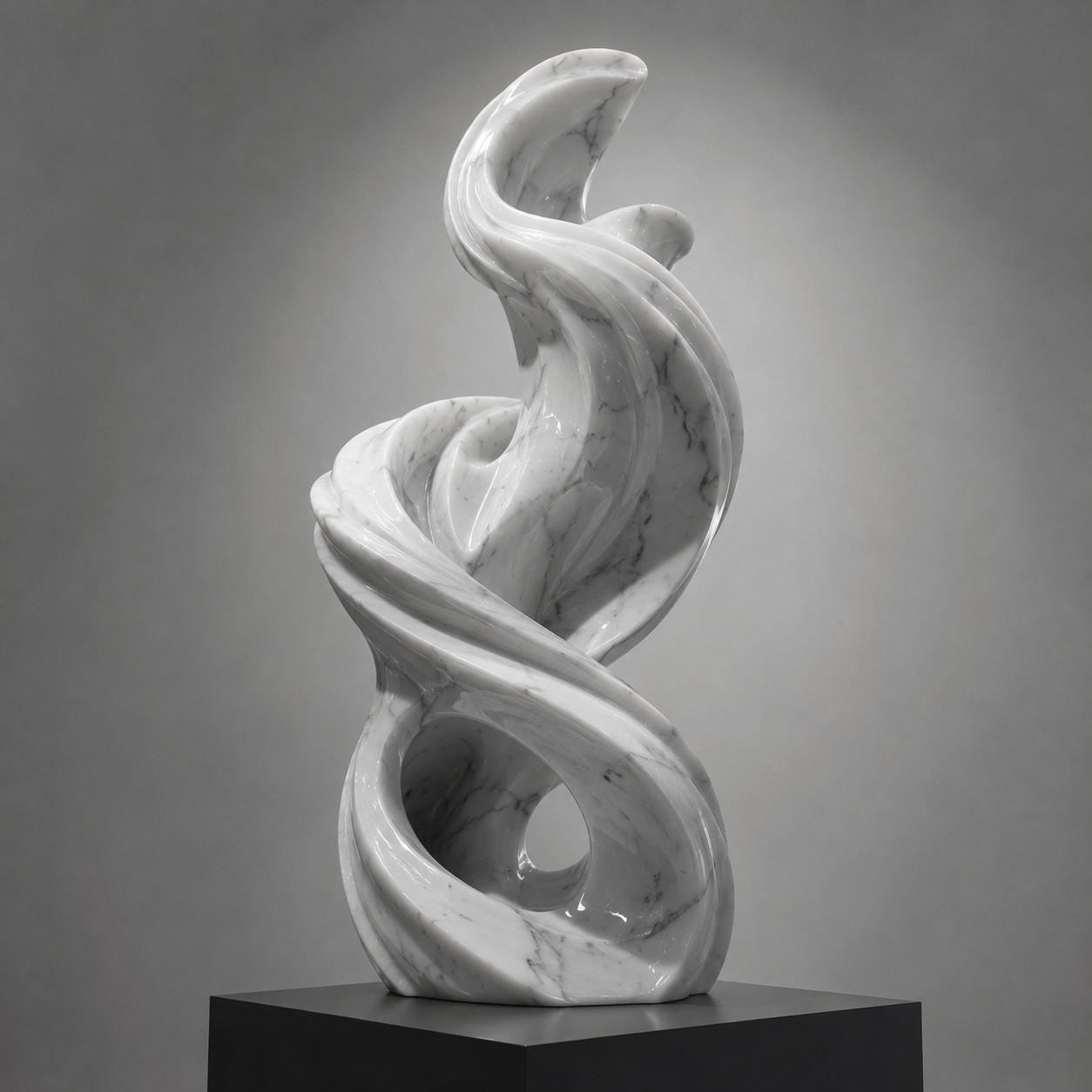
Template: custom-marble-sculpture. One line: describe the subject. Model renders.
The first version of this template said "polished marble statue." The output looked like plastic spray-painted to imitate stone. I deleted every "add highlight" instruction and replaced them with one line: "curvature produces highlights." Problem solved.
The point is not the material. The point is whether the form has curvature.
Classical busts, abstract flowing forms, a running cheetah — they share one thing: bodies that rise and fall, muscle lines, hair direction. Those curved surfaces are the precondition for marble "reflection." Light hitting a curve produces the bright-to-dark gradient that creates the wet, wax-polished look. Cubes, slabs, geometric blocks — output reads as a piece of sanded rock. No highlights, nothing to look at.
What I tested:
- Classical female bust — the canonical subject, immediately evokes museum / art object emotion
- Abstract flowing form — shows the template isn't limited to realism, handles modern art too
- Dynamic poses (running cheetah, all four legs off the ground) — every curve is its own highlight band, output stops looking like AI
- Static poses — marble flattens them. No dynamic curve for the light to travel
Direct link: www.ima-read.com/en/bycase?case=custom-marble-sculpture
3. crystal-texture-emoji — refraction is physics, not a filter
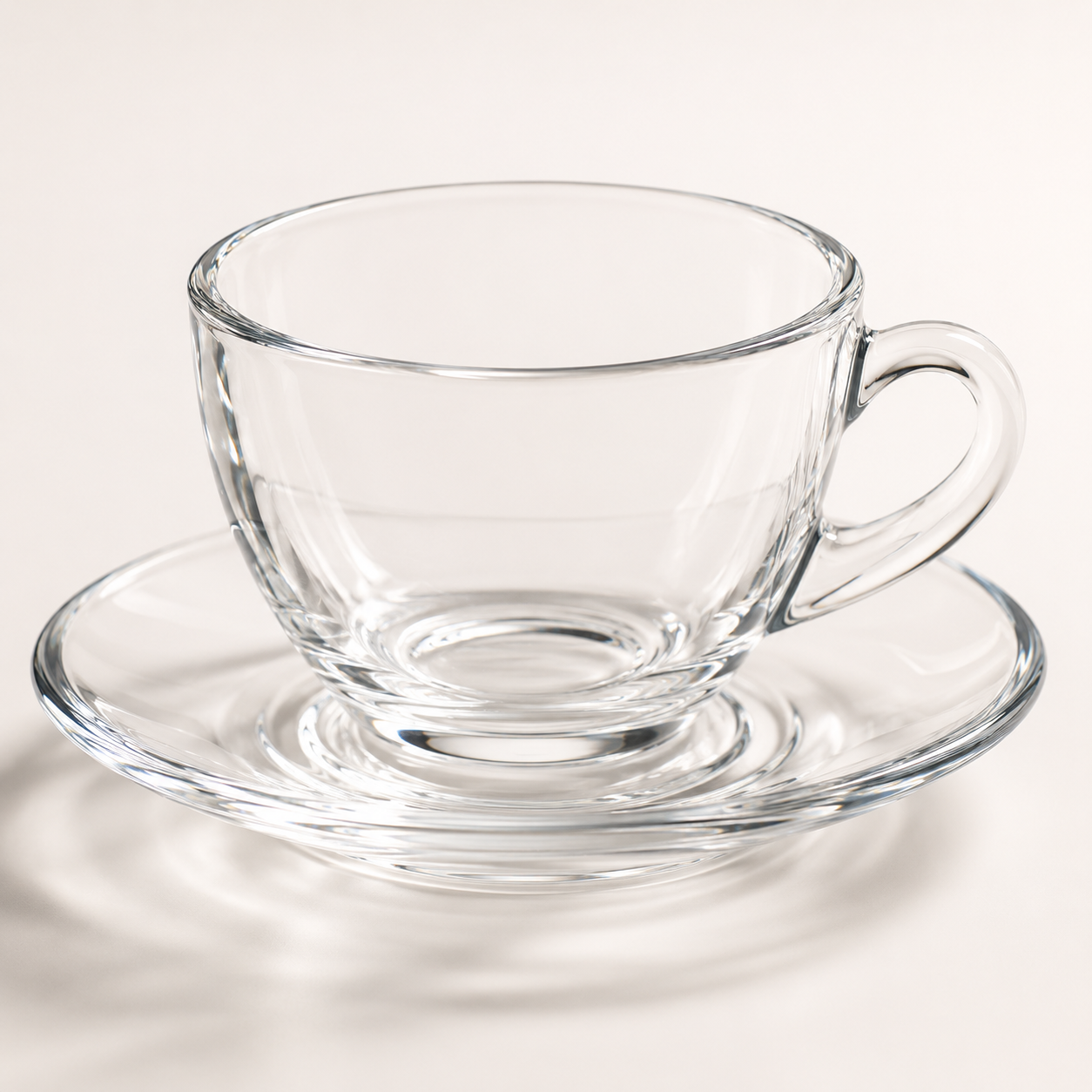
Template: crystal-texture-emoji. One line: the object name. Model renders.
My first version of this template got it wrong. The output was "plastic with an opacity slider" — transparent, but the light didn't bend. I rewrote the refraction description: refractive index changes through thick walls, caustic-driven defocus at the base, sharp edge highlights on thin sections.
Those three rules are physical behavior of real glass, not prompt tricks.
Two categories of subject emerged from testing:
- Iconic silhouettes (camera, coffee cup, sneaker, car) — output is the strongest. The silhouette itself alternates between thick and thin, so you can see exactly where the light bent. Sneakers are my personal favorite: the layered sole (EVA / rubber / air) has different densities, and the refraction reads like an opened aquarium.
- Flat planes or thin sheets (a sheet of paper, a watch dial) — output reads as plastic. Glass needs thickness to produce a refractive gradient; thin objects have no internal structure for light to bend through.
Direct link: www.ima-read.com/en/bycase?case=crystal-texture-emoji
The shared thread
After building all three I saw it clearly: the most common way to fail a "re-skin" prompt is to describe what it looks like (look like fur / marble / glass). What actually makes the image stand up is describing the physical mechanism unique to that material — how hair reorganizes form, how curvature catches light, how refraction travels through a volume.
Plush leans on coverage. Marble leans on curvature. Crystal leans on the light's path inside the object. The first two are surface problems; crystal is a volume problem.
All three templates run on Gemini 3 Pro Image. If you have a logo or a real object handy, throw it in and see if the output reflects the physics you described. If it still reads as "a filter was applied," the prompt is still at the surface-appearance level — you need to go one layer deeper.
- ImaRead: www.ima-read.com/en
- Prompt template library: www.ima-read.com/en/bycase